
GsonFormat作用:根据Gson库使用的要求,将JSONObject格式的String 解析成实体。
GsonFormat的github地址:https://github.com/zzz40500/GsonFormat
GsonFormat安装:Androidstudio的差距的安装都是一样的。
方法一:
1.Android studio File->Settings..->Plugins-->Browse repositores..搜索GsonFormat
2.安装插件,重启android studio
方法二:
1.下载 GsonFormat.jar ,下载地址(其实插件的jar包都可以在这儿下载):https://plugins.jetbrains.com/plugin/7654?PR=androidstudio
 2.Android studio File->Settings..->Plugins --> install plugin from disk..导入下载的 GsonFormat.jar , 3.重启 android studio.
GsonFormat的使用:
Alt+insert-->gsonformat
弹出框的那一栏gsonformat旁边又个alt+s就说明我下次打开格式化的的时候就直接用alt+s就Ok了。

先来个简单的。

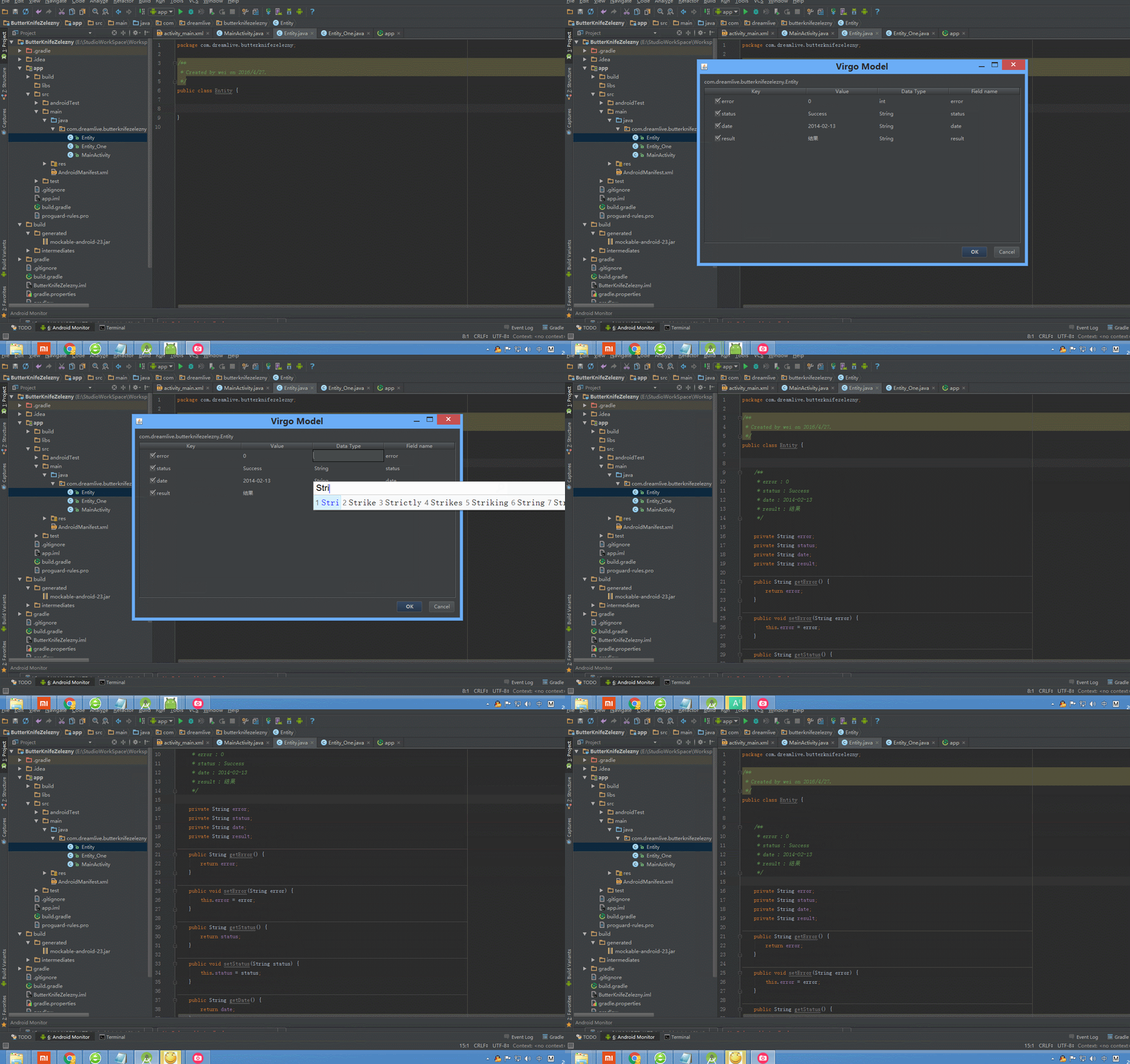
说明:gsonformat插件是能够识别注释的//和/***/,下面这种格式也能够正确转换的。

下面来点数据格式比较复杂的,即使复杂也能够转换得,有木有很强大。

基本的用法就到这里就结束了,赶紧动起来吧。来试试这个强大过的工具。如果大家在使用的时候遇到问题可以直接问我,也可以直接去https://github.com/zzz40500/GsonFormat/issues提问作者。
新闻热点






疑难解答













