首页| 新闻| 娱乐| 游戏| 科普| 文学| 编程| 系统| 数据库| 建站| 学院| 产品| 网管| 维修| 办公| 热点
spoolsv.exe应用程序错误如何解决 windows系统spoolsv.exe应用程序错误解决方法 首先按Win+R打开运行,输入regedit进入注册表编辑器。
依次点击目录HKEY_LOCAL_MACHINESYSTEMControlprintEnvironmentsDrivers。
在Drivers中找到Version-3项,把它删除。
然后在运行中输入services.msc进入服务。
找到print spooler服务,双击打开,设置启动类型为自动。
索泰发布一款GTX 1070 Mini迷
AMD新旗舰显卡轻松干翻NVIDIA
索泰发布一款GTX 1070 Mini迷你版本:小机
芭蕾舞蹈表演,真实美到极致
下午茶时间,悠然自得的休憩
充斥这繁华奢靡气息的城市迪拜风景图片
从山间到田野再到大海美丽的自然风景图片
肉食主义者的最爱美食烤肉图片
夏日甜心草莓美食图片
人逢知己千杯少,喝酒搞笑图集
搞笑试卷,学生恶搞答题
新闻热点
疑难解答
图片精选
以假乱真!两种方法教你如何隐藏文件
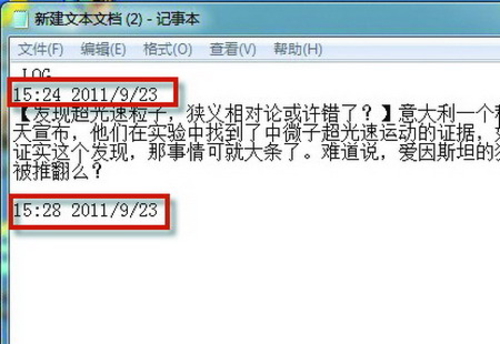
带你了解记事本,带你走进记事本你
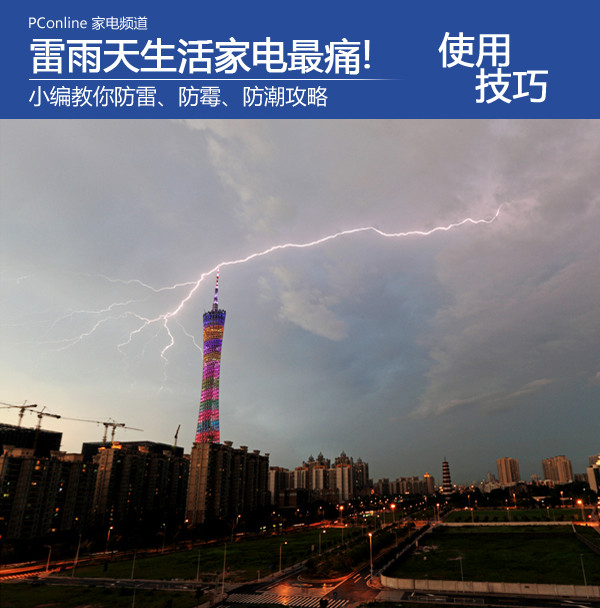
雷雨潮湿天电器全罢工?小编教你三
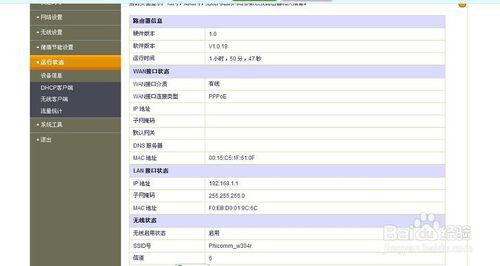
斐讯(phicomm)无线路由器怎么设置
网友关注