
先把来源贴上
http://zrgiu.com/blog/2011/01/making-your-android-app-look-better/
http://www.dibbus.com/2011/02/gradient-buttons-for-android/http://www.dibbus.com/2011/08/even-more-gradient-buttons-for-android/
然后再让大家看看效果,这些都是xml布局文件实现的,一张图片都未曾使用。
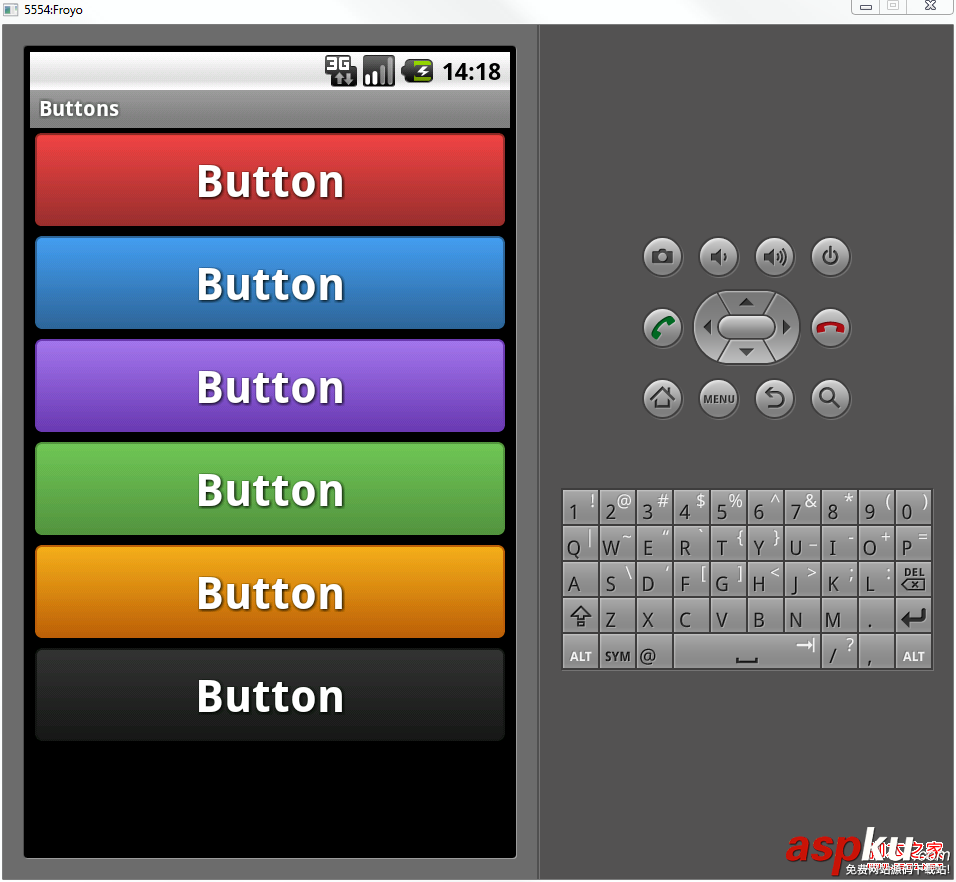
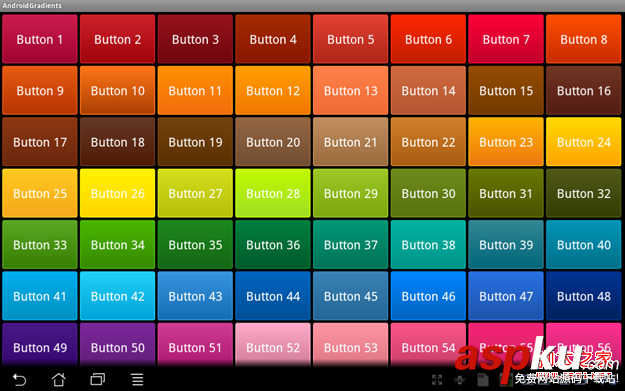
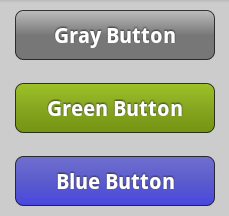
顺便贴出几个布局文件给大家看看:
复制代码代码如下:
<?xml version="1.0" encoding="utf-8"?>
<selector xmlns:android="http://schemas.android.com/apk/res/android">
<item android:state_pressed="true" >
<shape>
<solid
android:color="#449def" />
<stroke
android:width="1dp"
android:color="#2f6699" />
<corners
android:radius="3dp" />
<padding
android:left="10dp"
android:top="10dp"
android:right="10dp"
android:bottom="10dp" />
</shape>
</item>
<item>
<shape>
<gradient
android:startColor="#449def"
android:endColor="#2f6699"
android:angle="270" />
<stroke
android:width="1dp"
android:color="#2f6699" />
<corners
android:radius="4dp" />
<padding
android:left="10dp"
android:top="10dp"
android:right="10dp"
android:bottom="10dp" />
</shape>
</item>
</selector>
复制代码代码如下:
<?xml version=”1.0″ encoding=”UTF-8″?>
<shape xmlns:android=”http://schemas.android.com/apk/res/android”>
<solid android:color=”#F000″/>
<stroke android:width=”1px” android:color=”#BB000000″ />
<padding
android:left=”10dp”
android:top=”7dp”
android:right=”10dp”
android:bottom=”7dp”
/>
<corners
android:bottomRightRadius=”5dp”
android:bottomLeftRadius=”5dp”
android:topLeftRadius=”5dp”
android:topRightRadius=”5dp”
/>
<gradient
android:angle=”90″
android:startColor=”#4747e0″
android:centerColor=”#5b5bcd”
android:endColor=”#6f6fcf”
android:type=”linear”
/>
</shape>
这里有个工程,开源的
http://code.google.com/p/android-gradients-sample/downloads/list
顺便把这两个网页给收了,说不定以后能够提供灵感或者参考



















