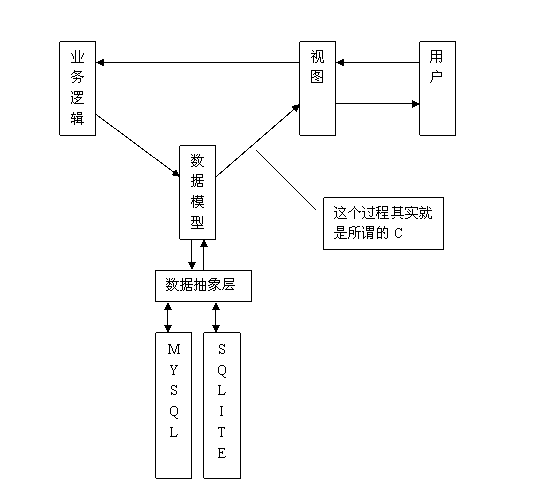
本款php生成验证码代码原理生成随机数-->创建图片-->随机数写进图片-->保存在session中,看一下流程验证码图片生成 通知浏览器将要输出PNG图片,准备好随机数发生器种子 srand((double)microtime()*1000000); 将四位整数验证码绘入图片.
php加入干扰的生成验证码代码如下:
- /*=====================
- 产生随机字符串函数
- =====================*/
- function random($length) {
- $hash = '';
- $chars = 'abcdefghijklmnopqrstuvwxyz0123456789abcdefghijklmnopqrstuvwxyz';
- $max = strlen($chars) - 1;
- mt_srand((double)microtime() * 1000000);
- for($i = 0; $i < $length; $i++) {
- $hash .= $chars[mt_rand(0, $max)];
- }
- return $hash;
- }
- //验证码图片生成
- session_start();
- //通知浏览器将要输出png图片
- header("content-type: image/png");
- //准备好随机数发生器种子
- //srand((double)microtime()*1000000);
- //准备图片的相关参数
- $im = imagecreate(62,22);
- $black = imagecolorallocate($im, 0,0,0); //rgb黑色标识符
- $white = imagecolorallocate($im, 255,255,255); //rgb白色标识符
- $gray = imagecolorallocate($im, 179,183,185); //rgb灰色标识符
- //开始作图
- imagefill($im,0,0,$gray);
- //while(($randval=rand()%100000)<10000);{
- //$_session["check_code"] = $randval;
- //将四位整数验证码绘入图片
- $randval=random(4);
- $_session["check_code"]=$randval;
- imagestring($im, 5, 10, 3, $randval, $white);
- //}
- //加入干扰象素
- for($i=0;$i<150;$i++){
- $randcolor = imagecolorallocate($im,rand(0,255),rand(0,255),rand(0,255));
- imagesetpixel($im, rand()%70 , rand()%30 , $white);
- } //开源代码Vevb.com
- //输出验证图片
- imagepng($im);
- //销毁图像标识符
- imagedestroy($im);
新闻热点


疑难解答